Best Book Formatting Services in 2026: How to Choose the Right Option for Your Book
If you’re getting ready to publish, the last thing you want is a book that looks “homemade.” Readers notice weird spacing, inconsistent fonts, ugly chapter breaks, or a table of contents that doesn’t work—especially on Kindle and phones. That’s why choosing the right book formatting services in 2026 (or the right tools) is one of the highest-leverage decisions you’ll make before launch.
This guide is written for all authors—fiction, nonfiction, self-published, or traditionally published—who want a clean, professional reading experience in 2026. It’s informational, practical, and built to help you pick the best option without wasting money.

Table of Contents
What “book formatting services” actually include?
Good book formatting services are more than “making it look nice.” A professional formatter usually handles:
- Consistent styles (headings, body text, quotes, lists)
- Chapter formatting and section breaks
- Front matter (copyright, dedication, table of contents)
- Back matter (acknowledgements, about the author, links)
- Device-friendly ebook structure (EPUB/KPF-ready layout)
- Print-ready layout rules (margins, gutter, trim size, page numbers)
- Clean exports and quality checks
- For Amazon KDP, these are the guidelines
If you’re comparing options, ask one simple question: “Will this book read perfectly on every device and in print previews?”
Ebook vs print formatting: what changes?
Many authors assume ebook and paperback are the same job. They aren’t.
Ebook formatting services (reflowable)
Most ebooks are “reflowable,” meaning the reader can change font size and your content reflows. The key is structure: styles, spacing, image handling, proper TOC, and clean breaks.
Print formatting (fixed layout)
Print needs precise layout: margins, gutters, widows/orphans control, page numbering, headers/footers, and trim size. If you plan to do both formats, confirm your provider does both well (not “print as an afterthought”).
The 3 best ways to format a book in 2026
There isn’t one “best” solution for every author. The best path depends on your budget, timeline, and how perfectionist you are.
Option 1: hire professional book formatting services (done-for-you)
Best for:
- Authors who want the cleanest outcome with minimal effort
- Launches with deadlines
- Nonfiction with tables, charts, footnotes, or complex structure
Pros:
- Best quality control
- Saves time
- Fewer platform upload surprises
Cons:
- Costs more than DIY tools
- You must communicate clearly during revisions
Option 2: Use a freelancer marketplace (semi-done-for-you)
Best for:
- Tight budgets
- Authors who can evaluate samples and manage a freelancer
You can find formatters on platforms like freelancer directories or gig marketplaces. Quality varies wildly, so you’ll need a strong screening process (I’ll share one below).
Option 3: Use book formatting software (DIY, faster)
Best for:
- Simple novels and straightforward nonfiction
- Authors who want control and can learn a tool quickly
Popular book formatting software usually lets you import a manuscript and export an ebook or print-ready PDF with templates. Great when your manuscript structure is clean.

Ebook Formatting Services
Ebook formatting is for Kindle and other reading apps. Your book should look good on phones, tablets and e-readers.
Common platforms:
- Amazon Kindle (KDP)
- Apple Books
- Kobo
- Google Play Books
- Nook
A good ebook formatter makes sure:
- Text reflows nicely on any screen
- Chapters are clickable in the table of contents
- No strange line breaks or random symbols
- Images scale well
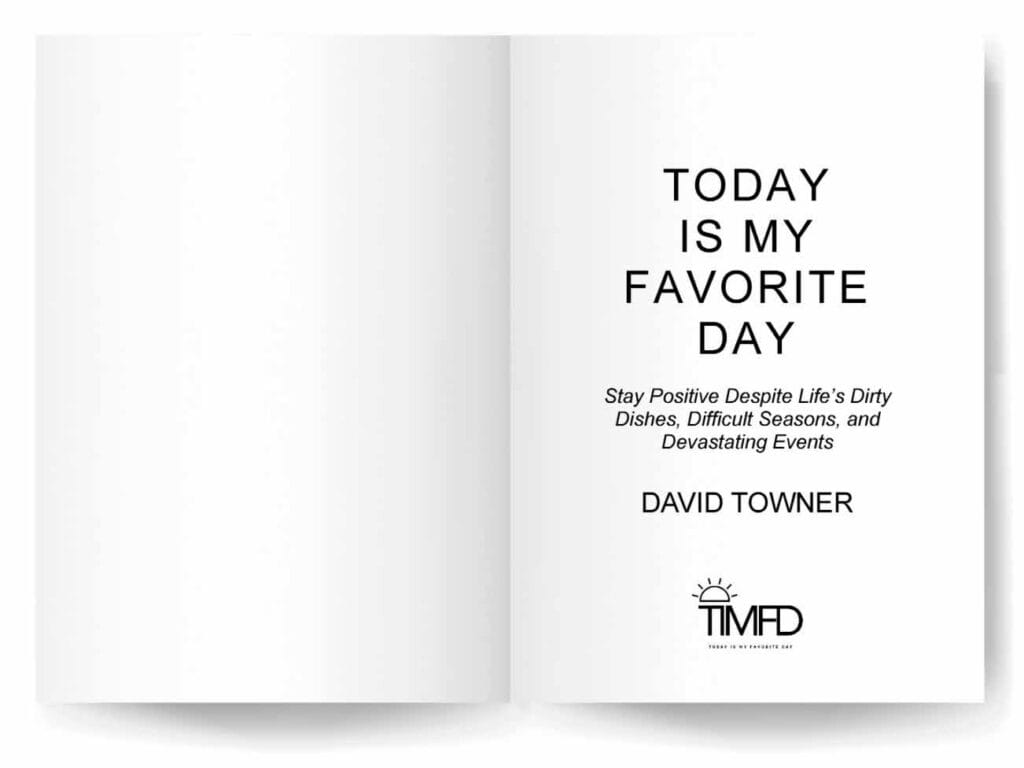
Print Book Formatting Services
Print formatting is for your paperback or hardcover. This is what your reader sees when they hold the book in their hands.
A print formatter will:
- Set your trim size (5×8, 5.5×8.5, 6×9, etc.)
- Fix margins and gutter so text isn’t cut off
- Handle bleed for images that go to the edge
- Make chapter openings look clean and professional
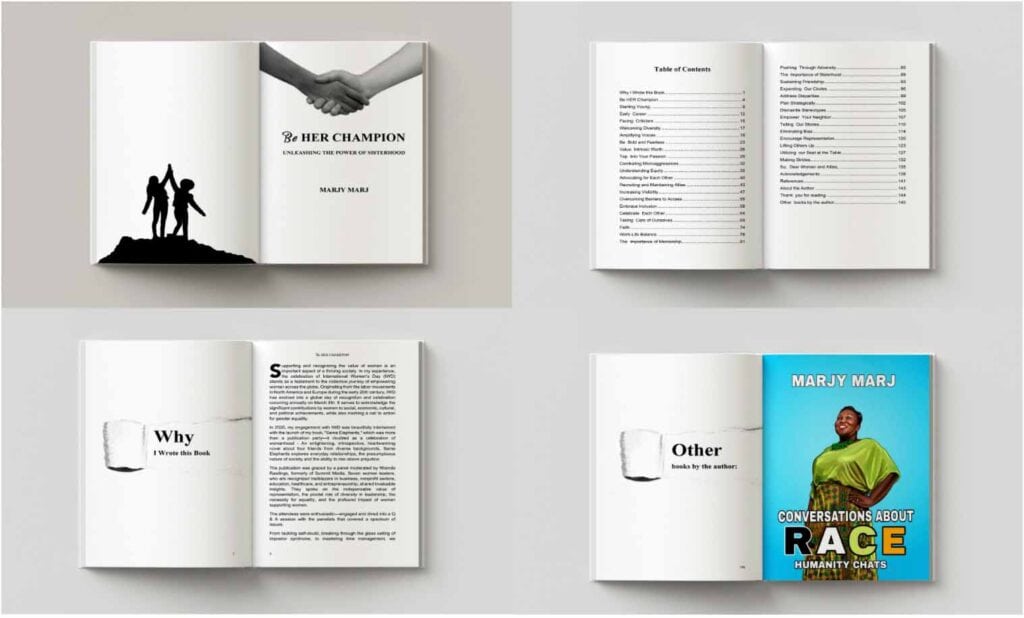
KDP-Specific Formatting Services
If Amazon KDP is your main platform, a formatter who knows KDP rules can save you a lot of time and rejections.
They understand:
- KDP’s file requirements
- Common reasons for rejection
- How to avoid strange spacing or broken fonts
How to pick “best book formatting services” without guessing
When people search “best book formatting services,” what they really want is confidence. Use this checklist to compare any service, freelancer, or tool.
1) Ask for 2-3 samples in your genre
Formatting “looks good” differently for different genres. A romance interior isn’t styled like a business book.
2) Confirm deliverables (and file types)
Ask what you’ll receive:
- EPUB? KPF-ready? Print PDF?
- Will the TOC be clickable?
- Will you get source files (InDesign, Atticus, Vellum project) or only exports?
3) Check how they handle revisions
Revisions aren’t a bonus. They’re part of reality. Ask:
- How many revision rounds?
- What counts as a revision?
- What if you change the manuscript after formatting starts?
4) Ask about “edge cases”
This is where amateurs break.
- Footnotes/endnotes
- Images, tables, and captions
- Scene breaks and ornamental dividers
- Bulleted lists and nested lists
- Links and references
- 5) Quality assurance process
A professional will test:
- Kindle/phone preview
- EPUB validation (when applicable)
- Print preview checks for margins and page flow
If someone can’t explain their QA, don’t hire them.
If you want to DIY: the best free book formatting tools (and what to watch out for)
If budget is your priority, free book formatting tools can work—if your manuscript is clean.
Common issues with free tools:
- Inconsistent spacing after export
- Weird indentation on some devices
- Table of contents glitches
- Fonts not behaving as expected
If you’re using free tools, spend extra time on previews and testing. For many authors, the real cost of “free” is time and rework.
How to format a book: the clean workflow that prevents headaches
Even if you hire someone, knowing the workflow helps you avoid mistakes.
Step 1: Clean your manuscript first
Before formatting starts:
- Remove extra spaces and manual line breaks
- Use consistent heading styles
- Standardize chapter titles
- Fix scene breaks
This alone reduces formatting time and cost.
Step 2: Apply consistent styles (not manual formatting)
If you bold, resize, and center text manually line-by-line, you’ll create chaos later. Styles = control.
Step 3: Export and preview on multiple devices
Don’t rely on one preview. Test:
- Phone
- Tablet
- Desktop reader
- Print preview
This is the difference between “okay” and professional.
Book formatting guidelines: what “professional” typically looks like
If you’re unsure whether your interior looks pro, these book formatting guidelines are a strong baseline:
- Clean, readable font (print) with consistent sizing
- Consistent paragraph spacing and indentation
- Clear chapter starts (page breaks, styling consistency)
- No random font changes
- Proper hyphenation/justification choices for print
- TOC works perfectly for ebooks
- Page numbers and headers behave correctly for print
Book formatting checklist (quick pre-publish QA)
Use this book formatting checklist before you publish:
- Chapter headings are consistent
- No extra blank pages (print)
- TOC links work (ebook)
- Scene breaks look consistent
- Images are sharp and properly placed
- Links work (ebook)
- No weird spacing on Kindle preview
- Margins/gutter look correct (print)
- Page numbers start correctly
- Front matter order makes sense
If you can’t confidently check these, that’s a sign you may want professional help.
How to format a manuscript so a formatter can work faster (and cheaper)?
Whether you’re hiring book formatting services or using software, your manuscript preparation matters.
Here’s how to format a manuscript for smooth production:
- Use one font while drafting
- Use real headings (Heading 1/2) for chapters and sections
- Avoid manual tabs for indenting
- Use page breaks for chapter starts
- Keep image files organized and labeled
- Finalize content before formatting (or expect extra cost)
A clean manuscript reduces revision cycles dramatically.
Which option should you choose in 2026?
Choose based on your priority:
If you want the best result with minimal effort:
Go with done-for-you book formatting services.
If you’re budget-sensitive but can manage quality control:
Hire a freelancer—but screen carefully.
If your book is simple and you like control:
Use book formatting software, export, and test thoroughly.
Final takeaway
Most authors don’t fail because they “can’t write.” They fail because the final product looks unprofessional and readers lose trust. Getting formatting right is one of the simplest ways to protect reviews, improve conversion, and look like a real author brand.
If you want, I can also:
- Turn this into a “Best Options” list-style post (with sections like “Best for Fiction,” “Best for Nonfiction,” “Best Budget Pick,” etc.)
- Or write a companion post: “Book Formatting Cost: What You Should Pay (and Why)”
FAQ: Book Formatting Services in 2026
You can publish without it.
But if you care about:
- Reviews
- Your author brand
- Using the book as a business asset
…then yes, it’s a smart investment.
- After your final edit is done
- Ideally 1–2 weeks before you want to upload your files
Small edits: usually okay.
Major rewrites: often treated as a new project.
Always check your formatter’s policy.
AI can help clean text and apply basic styles.
But:
- Complex layouts
- Print-ready PDFs
- Platform quirks
…still need human eyes.
Yes.
- Print = fixed-layout PDF
- Ebook = reflowable formats like EPUB/KPF
They are built differently and should be optimized separately.